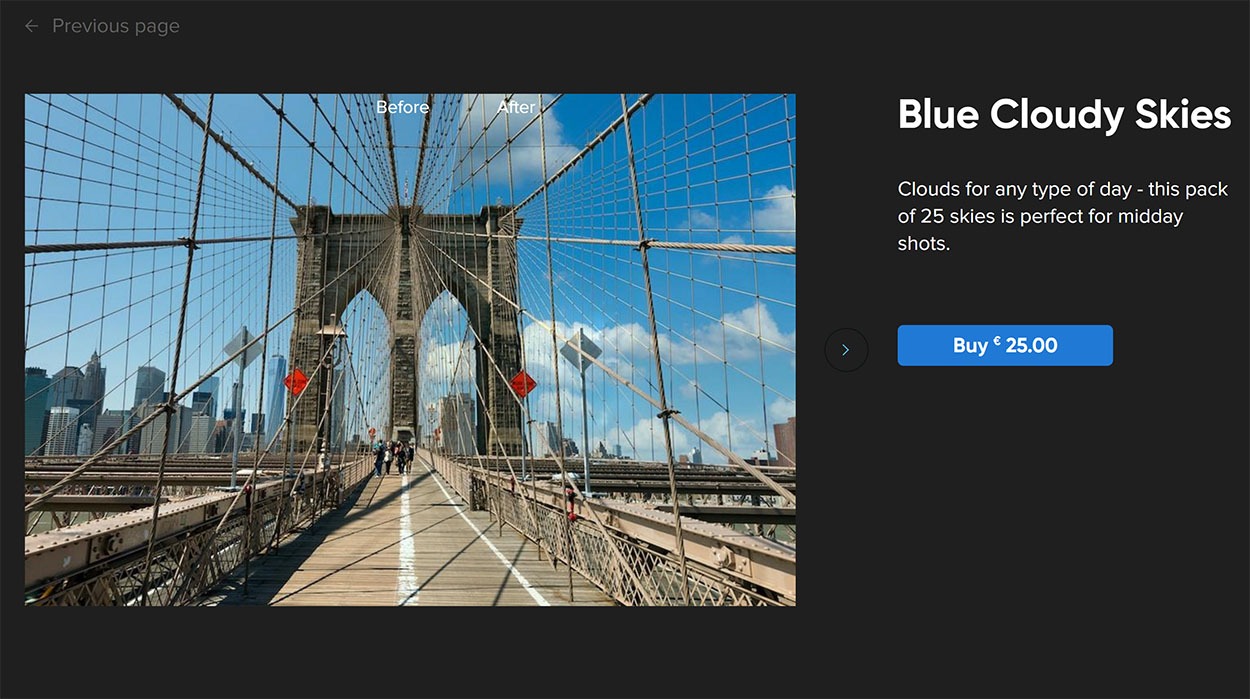
AI Sky Replacement is one of the most prominent features in Luminar 4. Sometimes you are in one of the most beautiful locations in the world and the weather is just not right for the perfect photograph. A boring sky doesn’t make a photograph exciting. With the AI Sky Replacement filter in Luminar 4 you can replace the sky in a very easy way. In this editing filter you can even find options to adjust the rest of the landscape so the exposure and color temperature is matching the new sky. Sky replacement can be done of course in other post-processing software like Adobe Photoshop CC and Affinity Photo. It takes a little bit more effort, but the results can be awesome.
By default Luminar 4 comes with a limited amount of pre-installed skies. The main problem with those skies is that all Luminar users are using them. It is better to have more skies in your database so you can edit your photographs in a more varied way. In this page you can find the best premium sky replacement packs and we provide you a free sky replacement pack.