
Skip to content
info@rawsterphoto.com
€0,000

View CartCheckout

  • No products in the cart.

Subtotal: €0,00

View CartCheckout

Search
Student Login
RAWSTER Photo
RAWSTER PhotoRAWSTER Photo
  • Home
  • Blog
  • Shop
    • Camera Filters
      • Protection Filters
      • Polarizing Filters
      • ND Variable Filters
      • ND 10 Stops Filters
      • Camera Filter Case
    • Camera Tripods
      • Aluminium Tripod
    • Presets
      • LR / PS – Landscape Presets
      • LR / PS – Wedding Presets
    • eBook: First Aid for Photographers
    • Online Basic Photography Course
  • Online Course
  • Free Community
  • Giveaways
    • Free Mini Photography Course
    • Free Photo Challenge
    • Free Lightroom Presets
    • Free Luminar Shortcuts Cheat Sheet
    • Free Webinar
    • Free Tutorials
  • Home
  • Blog
  • Shop
    • Camera Filters
      • Protection Filters
      • Polarizing Filters
      • ND Variable Filters
      • ND 10 Stops Filters
      • Camera Filter Case
    • Camera Tripods
      • Aluminium Tripod
    • Presets
      • LR / PS – Landscape Presets
      • LR / PS – Wedding Presets
    • eBook: First Aid for Photographers
    • Online Basic Photography Course
  • Online Course
  • Free Community
  • Giveaways
    • Free Mini Photography Course
    • Free Photo Challenge
    • Free Lightroom Presets
    • Free Luminar Shortcuts Cheat Sheet
    • Free Webinar
    • Free Tutorials

Daily Archives: 01/11/2019

You are here:
  1. Home
  2. 2019
  3. November
  4. 01

Luminar 4 Tutorial - How to edit blue hour photos

How to edit blue hour photos in Luminar

Luminar Tutorials, Photography TipsBy Mark de Rooij01/11/2019Leave a comment

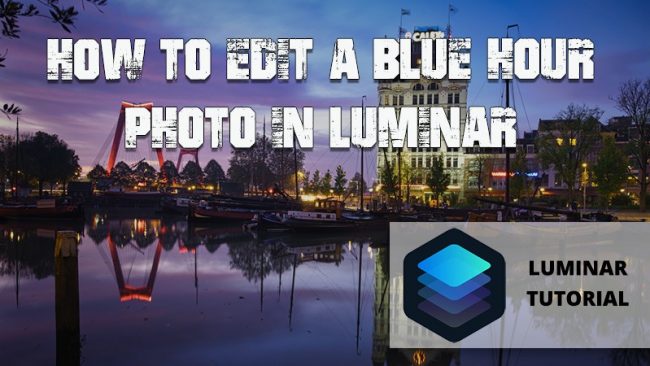
In this new Luminar tutorial we explain to you how to edit a blue hour photo in Luminar. We make the blue more blue and create a nice color contrast with warmer tones. Are you interested in buying Luminar? Please use this link and use the $10 discount code RAWSTER. FREE PHOTO CHALLENGE Participate in…

© COPYRIGHT 2011 - 2020 RAWSTER PHOTO
  • The 200+ best Lightroom presets
  • Blog
  • Privacy Policy
  • Terms and Conditions
  • Contact
Store Menu
Go to Top
+